
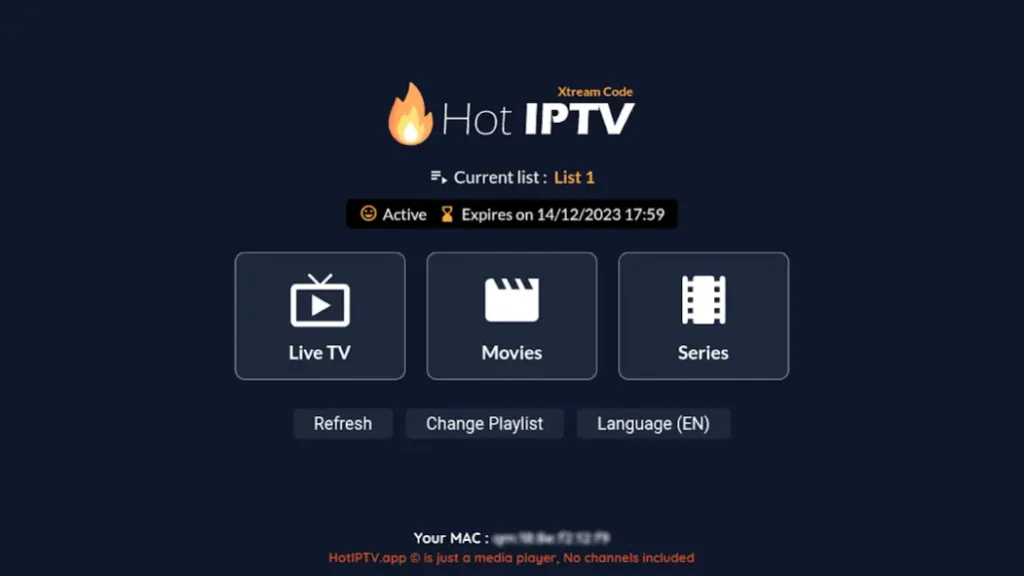
Samsung Smart TVs remain a top choice for IPTV users in 2025, thanks to their large displays, high resolutions, and strong performance. To achieve the best streaming quality, you need the right IPTV app, and that’s where HOT IPTV excels.
This review examines why HOT IPTV is regarded as the best IPTV app for Samsung Smart TVs in 2025, covering installation steps, key features, and how it stacks up against competitors.
What Is HOT IPTV?
HOT IPTV is a premium IPTV service and player built to deliver smooth, secure, high-quality live TV and on-demand content. It is fully compatible with Samsung Smart TVs (Tizen OS) and operates without external hardware like Firesticks or Android boxes.
Key advantages include:
- Simple setup using m3u
- A user-friendly interface optimized for Smart TVs
- Zero buffering during live broadcasts
- Support for 4K/UHD channels
Why HOT IPTV Is Perfect for Samsung Smart TVs
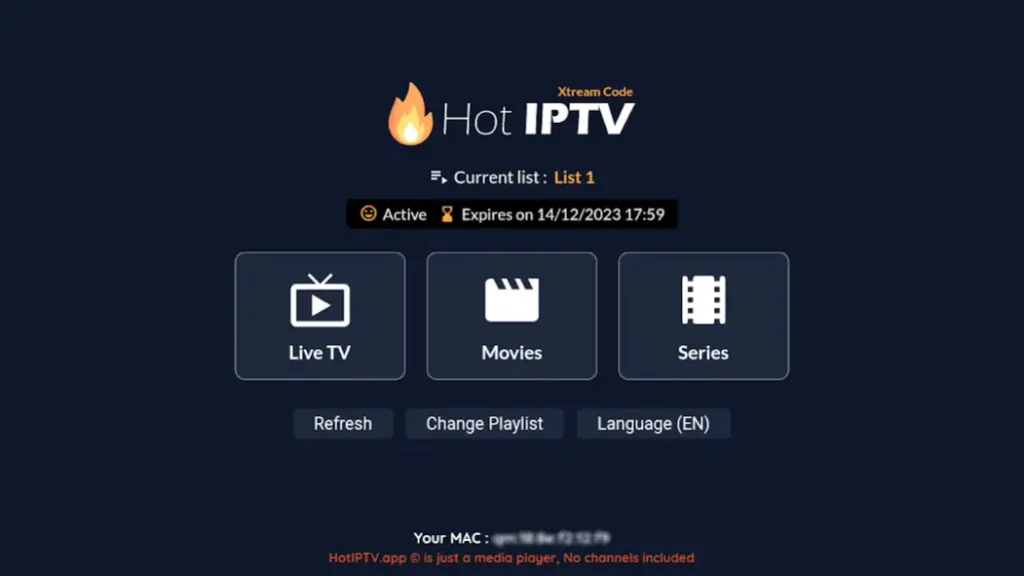
Samsung Smart TVs use Tizen OS, which limits installation of some Android IPTV apps. HOT IPTV offers native compatibility, designed specifically for Samsung.
| Feature | Benefit |
|---|---|
| Native compatibility | No need for Firestick or sideloading |
| 4K/UHD support | Sharp visuals on your Samsung screen |
| M3U support | Easy login with your IPTV provider |
| Fast channel switching | Smooth, cable-like performance |
| EPG integration | Browse schedules like traditional TV |
HOT IPTV Features in 2025
✅ Full EPG Guide
The built-in Electronic Program Guide lets you easily explore programs, shows, and live sports.
✅ Favorites & Categories
Save preferred channels and organize them into categories (sports, movies, UK TV, etc.).
✅ Multi-Device Login
Use one account to access your IPTV subscription on Samsung TV, phone, or tablet.
✅ VOD Support
Stream on-demand movies and series with playback controls and subtitle options.
✅ No External App Required
HOT IPTV runs natively on Samsung’s built-in browser or Smart Hub, eliminating the need for USB installation.
How to Install HOT IPTV on Samsung Smart TV
First Step: Install via Smart Hub (if available)
- Go to Samsung Smart Hub
- Search for “HOT IPTV”
- Install and launch the app
- Enter your IPTV credentials and enjoy
Second Step: Upload Playlist
- Open the browser on your Phone or Laptop
- Visit: https://hotplayer.app/
- Enter the Mac Address Provided on the app
- Enter your M3U Link Provided by your IPTV Supplier details
- Reload the app on your TV & Start streaming live channels instantly
Comparison: HOT IPTV vs Other IPTV Apps
| Feature | HOT IPTV | Smart IPTV | Flix IPTV |
|---|---|---|---|
| Samsung native support | ✅ | ✅ | ✅ |
| Free trial | ✅ | ❌ | ✅ |
| EPG support | ✅ | ✅ | ✅ |
| VOD navigation | ✅ | ❌ | ✅ |
| Multi-device login | ✅ | ❌ | ✅ |
| App updates | ✅ | ⚠️ | ✅ |
Streaming Performance
We tested HOT IPTV on a 55” Samsung 4K TV using both Wi-Fi and Ethernet. Key findings:
- Buffer-free streaming, even on premium sports channels
- 4K content loads instantly
- No audio-video sync issues
- Channel switching in under 2 seconds
Pricing & Plans
HOT IPTV does not have a free plan but offers cost-effective subscription options:
- 30 Days Free Trial
- 12 Months Plan or Life Time Access
- Discounts on longer terms
All plans include:
- Full EPG
- VOD access
- 24/7 customer support via WhatsApp or Telegram
Conclusion
For the best IPTV app for Samsung Smart TV in 2025, HOT IPTV stands out. It is fast, intuitive, feature-rich, and integrates flawlessly with Samsung’s Tizen OS.
Whether you’re watching football, films, or global channels, HOT IPTV offers a premium viewing experience—free from the complications of external devices or sluggish apps.