
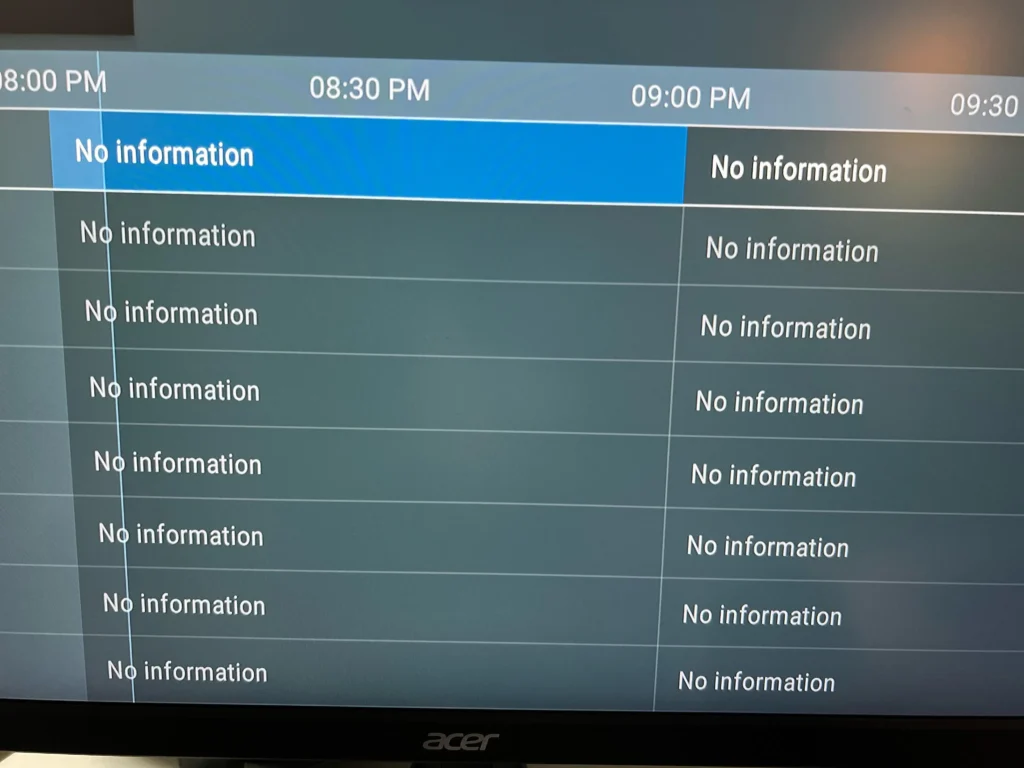
What is EPG in IPTV?
EPG stands for Electronic Program Guide. It’s a TV schedule showing current and upcoming programs—similar to a traditional TV guide.
With EPG, you can:
- Check what’s playing now and next
- Plan future viewing
- Navigate IPTV channels easily
Most IPTV providers include EPG data with subscriptions, but it requires proper syncing between the app and their server.
Common EPG Issues on IPTV Smarters Pro
Here are frequent problems users encounter:
- “No EPG” or blank guide for some channels
- Incorrect show times or dates
- Partial EPG data
- Guide not updating after provider changes
These issues are typically resolved with simple adjustments or refreshes.
How to Fix EPG Not Working in IPTV Smarters Pro
Follow these steps to resolve EPG problems:
1. Refresh EPG Data
The easiest solution is manually reloading the EPG.
Steps:
- Open IPTV Smarters Pro.
- Select your profile (login with Xtream Codes or M3U).
- Go to “Live TV”.
- Tap the three-line menu icon (top right corner).
- Choose “Refresh EPG” or “Reload EPG”.
Wait a few seconds for the guide to update.
2. Check the Time Zone Settings
Incorrect EPG times may result from a time zone mismatch.
To fix this:
- Go to Settings in IPTV Smarters Pro.
- Select General Settings.
- Find Time Shift or EPG Time Correction.
- Adjust the value (in hours) to match UK time.
Try +1, +2, or -1 hour based on your provider’s server location.
3. Clear Cache and Data (If Needed)
If EPG still won’t load, clear the app’s cache or reinstall.
For Firestick/Android:
- Go to Settings > Applications > Manage Installed Apps.
- Select IPTV Smarters Pro.
- Click Clear Cache and Clear Data.
- Reopen the app and log in again.
4. Contact Your IPTV Provider
If EPG remains faulty, the issue may lie with your provider.
Contact support and ask:
- “Is your EPG URL working?”
- “Is there a new EPG source or format?”
- “Are there server issues?”
Providers may need to update the EPG feed or fix backend problems.
Bonus Tip: Use a Quality IPTV Service
A reliable IPTV service like Buy IPTV UK offers fast syncing, full EPG coverage, and support. Avoid cheap providers with limited EPG data.
Final Thoughts
EPG issues in IPTV Smarters Pro are common but solvable. Whether refreshing or adjusting time zones, these steps can restore your guide quickly.
With a proper provider and updated app, your IPTV setup should work seamlessly.
Need help choosing the Buy UK IPTV service? Check our latest reviews for top-rated providers with working EPG.