
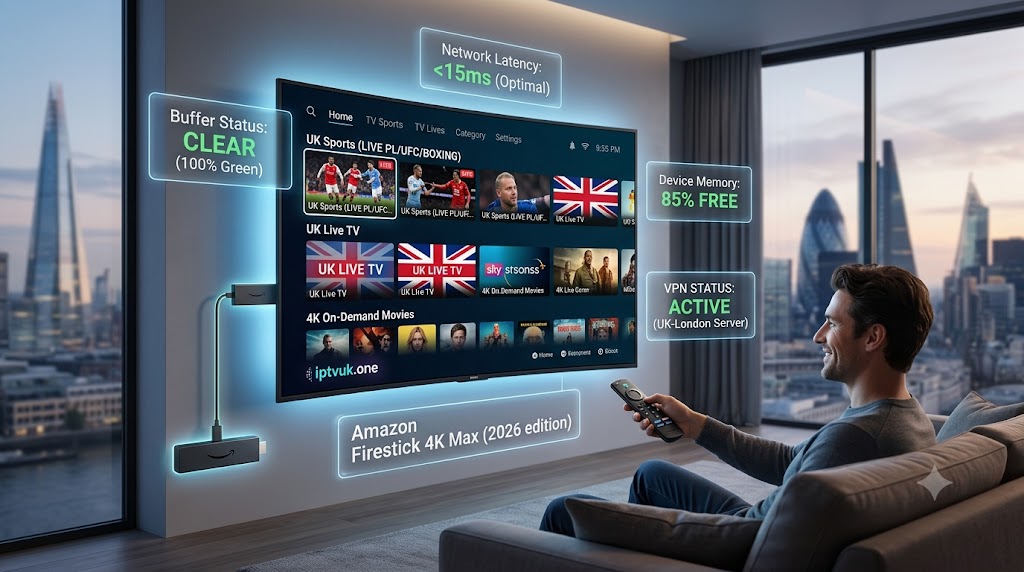
Are you looking for the best IPTV Firestick UK setup? You are in the right place. In 2026, Amazon’s streaming devices are taking over living rooms across the country, completely replacing outdated satellite dishes and overpriced cable boxes.
If you want to unlock thousands of premium channels, exclusive live sports, and massive on-demand libraries without breaking the bank, pairing an Amazon Firestick with a premium service like iptvuk.one is the smartest move you can make. Let’s walk through the absolute easiest way to get your device fully loaded and ready to stream in under 10 minutes.
Why the Amazon Firestick is the King of Streaming in 2026
The Amazon Fire TV Stick remains the most popular device for cord-cutters across the country, and for good reason. It is affordable, incredibly powerful, and most importantly, it allows you to easily “sideload” third-party applications that aren’t available on the standard Amazon Appstore.
When you combine a 4K Firestick Max with a high-tier provider, you get:
- Lightning-Fast Navigation: No lag when scrolling through 10,000+ channels.
- 4K UHD Capabilities: Perfect for watching live Premier League games in crystal-clear definition.
- Portability: Take your entire TV package on holiday with you just by plugging the stick into any hotel TV.
Step 1: Prepare Your Device for Installation
Before installing your new streaming app, you need to tell your Firestick to allow unknown apps. This is a safe, standard procedure for any custom setup.
- Go to the Settings gear icon on your Firestick home screen.
- Scroll over and select My Fire TV.
- Click on Developer Options. (Note: If you don’t see this, click on ‘About’, highlight your Fire TV Stick name, and click the middle button on your remote 7 times to reveal it).
- Turn ON Apps from Unknown Sources.
Step 2: Download the Downloader App
Since the best streaming players aren’t always on the official app store, you need a utility app to fetch them from the web.
- Return to your home screen and go to the Search icon (magnifying glass).
- Type in Downloader.
- Look for the app with the orange background and a white arrow pointing down.
- Click Download and then open the app.
Step 3: Install the Best Streaming Player
At iptvuk.one, we recommend using modern, optimized players like TiviMate or IBO Player for the absolute best viewing experience in 2026. Here is how to get them using Downloader:
- Open the Downloader app and click on the URL search bar.
- Enter the specific quick-code or download URL provided to you by the iptvuk.one support team.
- Hit Go. The app will automatically download and prompt you to install.
- Once installed, simply open the app, input your subscription credentials (Username, Password, and Server URL), and let the magic happen!
Pro Tips: Keeping Your IPTV Firestick UK Setup Running Smoothly
Once you have successfully installed your preferred streaming player from iptvuk.one, keeping your device optimized is the secret to a flawless experience. Even the most powerful Amazon devices can occasionally experience slowdowns if they become cluttered with temporary files. To guarantee your IPTV Firestick UK streams stay crystal clear and buffer-free throughout 2026, follow these quick daily maintenance rules.
1. Clear Your App Cache Regularly Firesticks have limited internal storage. When your device memory is completely full, live streams will struggle to process real-time data, leading to stuttering video and frustrating lag. Once a month, navigate to your Fire TV Settings, click on ‘Applications’, select ‘Manage Installed Applications’, find your streaming player (such as TiviMate or IBO Player), and click ‘Clear Cache’. This instantly refreshes your device’s memory without deleting your channel list or login credentials.
2. Upgrade to a Hardwired Ethernet Connection While Wi-Fi technology is incredibly fast today, nothing beats the pure stability of a direct physical cable. If your broadband router is located near your television, consider grabbing an official Amazon Ethernet Adapter for your Firestick. A hardwired connection completely eliminates wireless interference and packet loss, ensuring maximum internet speeds for demanding 4K live sports broadcasts.
3. Use a Background Process Killer Before settling in for a major Premier League match or a massive pay-per-view boxing event, make sure you aren’t running heavy applications in the background. Using a free utility tool from the Amazon Appstore to force-close unused background apps ensures that 100% of your Firestick’s processing power is dedicated purely to your live stream.
4. Pair it with a High-Speed VPN As we have discussed before, UK internet providers often monitor and throttle high-bandwidth streaming traffic. Running a lightweight VPN directly on your Firestick creates an encrypted tunnel, blinding your ISP and preventing them from slowing down your connection during peak weekend viewing hours.
Start Watching Today with iptvuk.one
Setting up your device doesn’t have to be a headache. By following this simple guide, you are minutes away from the ultimate home entertainment upgrade. At iptvuk.one, we provide instant activation, 24/7 customer support, and the most stable servers in the country. Grab your Firestick, connect with us today, and never miss a moment of the action.