
Have you ever settled in to watch the big game, only to be met with constant buffering, freezing, or a dreaded black screen right at kickoff? If your internet speed is fast but your streams are still unwatchable, you are likely dealing with ISP blocking IPTV services. In 2026, this hidden restriction is the number one reason behind sudden streaming failures.
In 2026, Internet Service Providers (ISPs) in the UK—like BT, Virgin Media, Sky, and TalkTalk—have dramatically escalated their efforts to restrict streaming traffic. Following recent legal pushes, UK ISPs are now equipped with advanced tools to disrupt streams in real-time. But don’t panic! Here at iptvuk.one, we are dedicated to ensuring you get the seamless viewing experience you deserve. Let’s dive into exactly why your ISP is blocking your IPTV and the easiest ways to fix it.
Why is My ISP Blocking IPTV?
ISPs actively monitor the traffic passing through their networks, and the technology they use has gotten much more aggressive in 2026. Broadcasters and rightsholders now have court orders that compel ISPs to intervene the moment a major event begins.
Here is how they are currently restricting your access:
- Live Blocking (Dynamic Server Blocking): This is the most common issue in 2026. ISPs receive real-time updates of IP addresses associated with IPTV servers during major live events (like Premier League matches) and block them instantly. The stream works perfectly all week, then suddenly dies right at kickoff.
- Throttling & Traffic Shaping: Deliberately slowing down your connection speed specifically for high-bandwidth streaming traffic, causing endless buffering even if your speed test shows a fast connection.
- Deep Packet Inspection (DPI): Analyzing the very fabric of your internet traffic to identify and block IPTV data packets at their source.
How to Tell if Your ISP is the Culprit
Before you blame your streaming device or your subscription at iptvuk.one, run these quick tests to check for ISP interference:
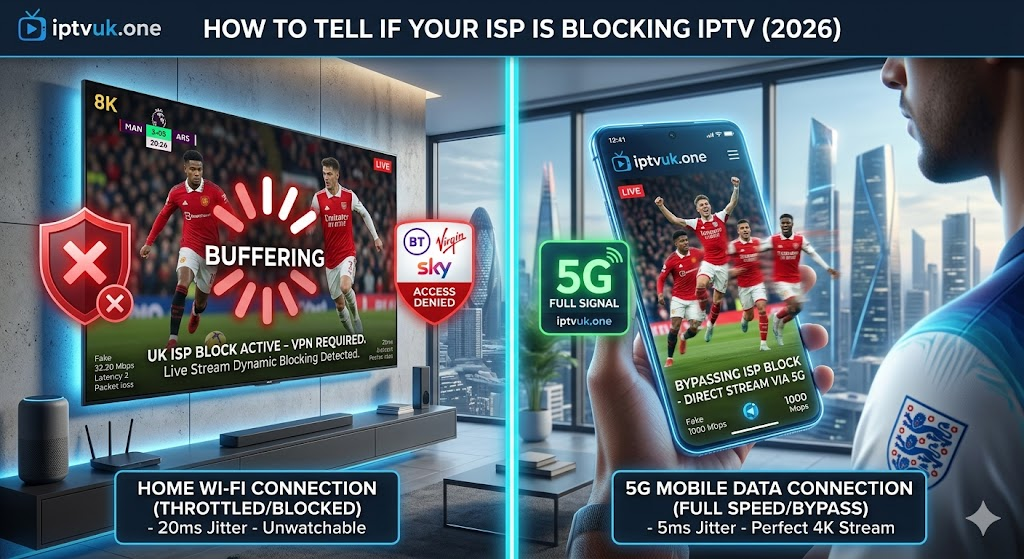
- The Mobile Data Test: Disconnect your phone from your home Wi-Fi and switch to your 4G/5G mobile network. Try accessing your IPTV service through a mobile app. If the stream works flawlessly on cellular data but fails on your home broadband, your ISP is actively blocking the connection.
- The Kickoff Curse: Does your stream only freeze up or go completely black right before a major sporting event begins? This is the hallmark of modern “Live Blocking” acting on your ISP.
The Ultimate Easy Fix for 2026: Use a Premium VPN
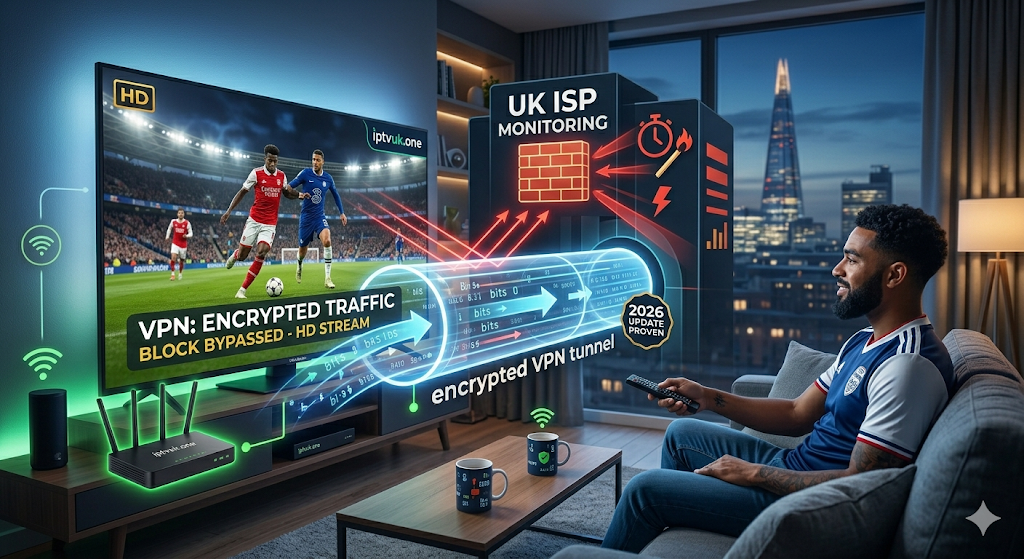
The absolute most effective, permanent solution to bypass 2026’s aggressive ISP blocking is using a premium Virtual Private Network (VPN). A VPN creates a secure, highly encrypted tunnel for your internet traffic, rendering your activity completely invisible to your internet provider.
When you connect to a VPN, you solve the problem instantly:
- Your ISP is Blinded: Because your data is encrypted, your ISP cannot see what you are doing or where your traffic is going. They cannot tell if you are streaming from iptvuk.one, sending emails, or simply browsing the web.
- No More Live Blocks: By connecting to a VPN server, you change your IP address and reroute your connection. This allows you to effortlessly slip past the real-time “Live Blocks” that UK ISPs activate during major sporting events.
- Defeating Throttling: Since the ISP doesn’t know you are streaming video, their automated systems won’t throttle your speeds during peak network hours.
Pro Tip for 2026: Make sure you choose a VPN that supports the WireGuard protocol. It is the current gold standard for high-speed streaming, offering the fastest connection times with the lowest latency, keeping your 4K streams completely buffer-free.
Alternative Fix: Turn Off ISP “Safe” Filters
If you aren’t using a VPN yet, another crucial easy fix is to disable the built-in family or security filters provided by your broadband provider. These filters are incredibly sensitive in 2026 and aggressively block legitimate IPTV traffic by mistaking it for restricted, dangerous, or unauthorized content.
Here is what you need to switch off based on your UK broadband provider:
- Virgin Media: Log into your Virgin Media account and completely turn off Virgin Web Safe (ensure both Virus Safe and Child Safe are toggled off).
- Sky: Access your Sky Broadband settings online and disable Sky Shield.
- BT: Log into your BT Smart Hub dashboard and disable both BT Web Protect and Smart Setup.
- EE: Change your EE Content Lock setting to Off.
- TalkTalk: Turn off HomeSafe and Kids Safe within your account dashboard.
After making these changes, you must reboot your internet router and your streaming device for the new permissions to take effect.
Enjoy Uninterrupted Streaming with iptvuk.one
Dealing with modern ISP blocks can be incredibly frustrating, but with a reliable VPN or by tweaking your home router settings, you can easily bypass the restrictions. At iptvuk.one, we pride ourselves on providing the highest-tier, most reliable streaming available. By taking these quick steps to optimize your home network, you guarantee a flawless, buffer-free entertainment experience every single time you turn on your TV.